Slow Motion CapCut Template for Smooth Video Edits in 2026
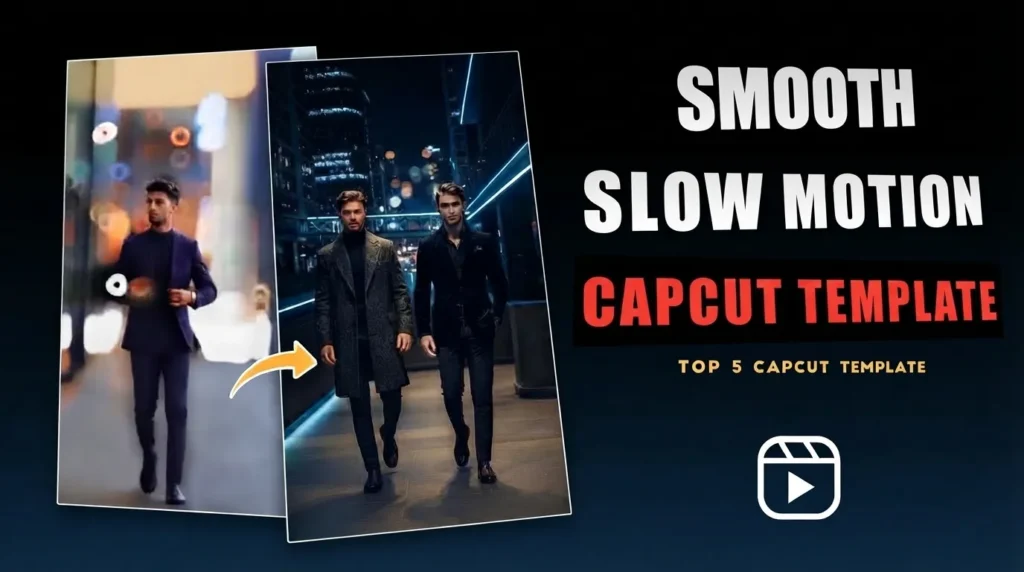
A simple movement can look completely different when you slow it down. A hair flip, a jump, flowing water or someone walking through a beautiful location can become much more cinematic when the timing is right. That’s one reason slow motion continues to perform so well in short-form content. It gives ordinary footage more emotion and lets viewers notice details that might disappear in a normal-speed clip.
The Slow Motion CapCut Template makes this style easier by providing a ready-made editing structure for your footage. Instead of manually creating speed ramps and adjusting every transition, you can add your clips to a suitable template and let CapCut apply the preset timing and effects. This makes it a practical option for beginners who want smooth-looking edits without spending a long time learning advanced speed controls.
You can use these templates for TikTok videos, Instagram Reels, YouTube Shorts, travel edits, fashion clips, sports moments and everyday recordings. Different templates offer different combinations of slow motion, velocity changes, transitions, music and visual effects, so you can choose one that matches the mood of your footage.
If you’re looking for more practical editing resources, visit UniversalEdit. You’ll find guides covering photo and video editing apps, creative templates, useful editing tools and tutorials designed to help creators get better results from their content.
Why Slow-Mo Templates Rule Social Media
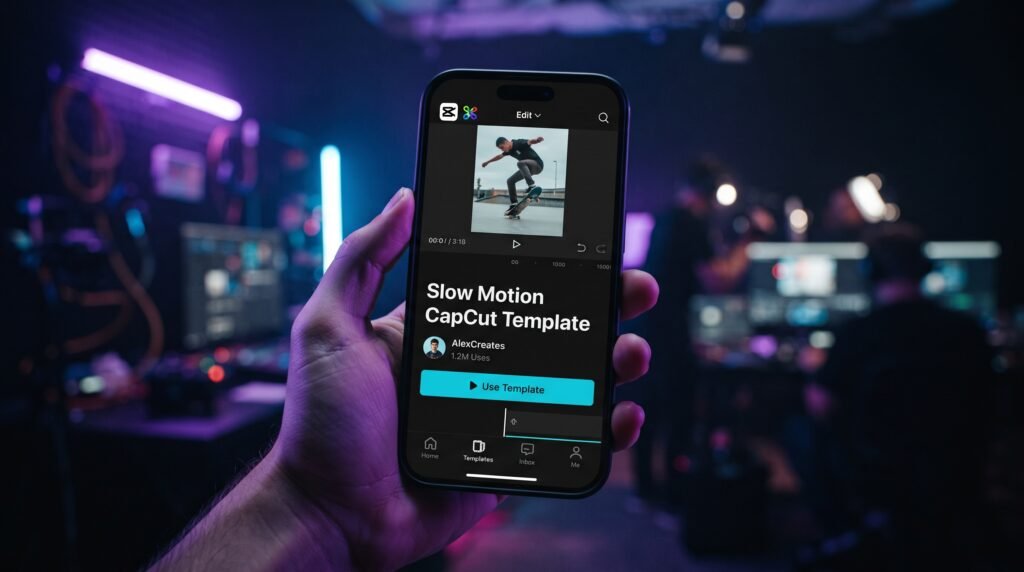
A good slow-motion edit can change the way a viewer experiences a video. Instead of simply slowing down the entire clip, a well-made template can combine speed changes, transitions and music timing to give important moments more impact. This makes the Slow Motion CapCut Template useful for creators who want polished results without manually building every speed adjustment from scratch.
From travel scenes and sports clips to fashion videos and everyday lifestyle content, slow motion can add emotion and visual interest. The final result still depends on the quality of your original footage, but a suitable template can give you a strong starting point and save considerable editing time.
The Velocity Trend
The CapCut Velocity Template has become popular because it combines fast and slow sections within the same video. Rather than keeping the entire clip at one reduced speed, velocity editing changes the pace at specific moments, often in time with the music.
This approach can make simple movements feel more energetic and dramatic. For the smoothest result, footage with clear movement and a suitable frame rate usually gives you more flexibility when applying speed changes.
Adding a Cinematic Feel
Slow motion can work particularly well with travel footage, scenic views, outfit transitions and lifestyle videos. A Cinematic Slow Motion CapCut Template can combine controlled speed changes with color adjustments, transitions and other visual effects to create a more polished appearance.
You can also choose an Aesthetic Slow Motion CapCut Template when you want a softer visual style. Rather than copying the exact look of another creator, adjust the final edit to suit your own footage, lighting and overall mood.
Creating Content for Social Platforms
Most short-form videos are watched on mobile devices, so vertical formats are often the most practical choice for platforms such as TikTok, Instagram Reels and YouTube Shorts. Templates can provide a preset structure that makes it easier to work within these formats.
Before exporting, check the aspect ratio, clip framing and overall timing. A template can simplify the editing process, but reviewing the final video before publishing helps avoid cropped subjects, awkward transitions or poorly timed moments.
Trending Types of Slow-Mo Templates to Try
Slow-motion editing has become a popular way to add emotion and visual depth to short-form videos. On platforms such as TikTok, Instagram Reels, YouTube Shorts and Facebook, creators use different combinations of speed changes, transitions, music timing and visual adjustments to make ordinary clips more interesting. A good template gives you a ready-made structure, but the footage you choose still has a better effect on the final result.
One reason these templates appeal to beginners is the time they can save. Instead of building every speed change or transition manually, you can start with a preset and then make small adjustments to suit your footage. More experienced editors can also use templates as a starting point before changing the timing, effects or colors to create a more personal edit.
From travel scenes and sports highlights to romantic videos and lifestyle content, different templates are suited to different moods. The best choice depends on your footage, music and the type of story you want the video to tell.
Popular Slow Motion Template Types
| Template Type | Best For | Common Features |
|---|---|---|
| Velocity Slow Motion Template | Sports, dance, action and bike videos | Speed ramping, beat timing and dynamic transitions |
| Cinematic Slow Motion Template | Travel, landscapes and storytelling | Slow-motion scenes, cinematic colour treatment and visual effects |
| Smooth Slow Motion Template | Portraits, lifestyle clips and everyday footage | Fluid movement, gentle transitions and soft visual effects |
| Aesthetic Slow Motion Template | Fashion, cafés, sunsets and creative reels | Warm tones, stylish filters and artistic effects |
| Beat Sync Slow Motion Template | Music videos, dance clips and trends | Music timing, speed changes and energetic transitions |
| Love Slow Motion Template | Couples, weddings and special moments | Soft effects, romantic transitions and emotional styling |
| Travel Slow Motion Template | Vacations, road trips and outdoor adventures | Scenic transitions, colour adjustments and cinematic pacing |
| Instagram Reels Slow Motion Template | Reels and vertical social content | Vertical framing, short-form pacing and mobile-friendly layouts |
| TikTok Slow Motion Template | Trending short-form videos | Trend-inspired effects, speed changes and music-focused editing |
| Gaming Slow Motion Template | Gameplay highlights and esports clips | Dramatic speed effects, action transitions and highlight-focused timing |
Velocity Templates for Dynamic Edits
Velocity editing is useful when you want your video to move between faster and slower sections instead of playing at one constant speed. A CapCut Velocity Template can provide preset speed changes that follow the rhythm of the selected audio.
This style works especially well for dance moves, sports actions, car clips and other footage with noticeable movement. For better results, choose clips where the main action is easy to see and doesn’t happen too quickly.
Cinematic Templates for Storytelling
A Cinematic Slow Motion CapCut Template can give travel footage, landscapes and personal stories a more dramatic visual feel. Depending on the template, you may get a combination of slow-motion timing, transitions, color adjustments and other effects.
These templates are particularly effective when your footage already has strong visuals. A sunset, mountain view, beach scene or quiet street can become more engaging when the pacing gives each shot enough time to breathe.
Aesthetic Templates for Lifestyle Content
An Aesthetic Slow Motion CapCut Template is a good option for fashion clips, cafes, sunsets, portraits and relaxed lifestyle videos. These templates often focus on softer transitions, warm colors and subtle visual effects.
You can also adjust the final appearance after applying the template. Changing brightness, contrast or saturation can help the preset match the lighting and colors in your original footage.
Templates for TikTok and Reels
TikTok and Instagram Reels are built around short, vertical videos, making 9:16 templates a practical choice for mobile content. A suitable TikTok Slow Motion Template or Instagram Reels Slow Motion Template can give you a preset structure that fits this type of content.
Before posting, watch the exported video on your phone. Check the framing, text placement and timing because an edit that looks fine inside the editor can sometimes feel different when viewed in the current social media feed.
Finding a Template That Fits Your Content
TikTok creators often use trending templates to experiment with popular editing styles. You can also find specific templates through CapCut’s template library or shared template links. For example, the Viral Slow Motion CapCut Template can be explored if its editing style matches the type of short-form video you want to create.
Rather than choosing a template only because it is trending, look at its pacing and effects first. A template that matches your footage will usually produce a more natural result than one chosen simply for its popularity.
How to Use a CapCut Slow-Motion Template
Creating a slow-motion video with a CapCut template is fairly simple, even if you’re new to video editing. Instead of building speed changes and transitions from scratch, you can start with a preset and then adjust the result to fit your footage. The process usually takes only a few minutes, but choosing suitable clips can make a noticeable difference in the final video.
1. Choose a Slow Motion Template
Open CapCut and go to the Templates section. You can browse different styles, including Smooth Slow Motion, Velocity, Cinematic and Beat Sync, or open a trusted template link from a social media post.
Take a moment to preview the template before selecting it. Check the number of clips it requires and look at its pacing so you can choose footage that fits naturally.
2. Add Your Video Clips
Tap Use Template and select the clips you want to include from your device. Try to choose clear, well-lit footage with noticeable movement, especially if the template contains strong speed changes.
Videos recorded at 60 or 120 fps provide more frames for slow-motion playback, which can result in smoother visuals. However, recording conditions and the method used to slow down the footage also affect the final look.
3. Review and Adjust the Edit
Once the clips are added, CapCut applies the template’s preset structure and effects. Watch the entire video rather than just reviewing the clips individually.
If something seems off, adjust the trimming, clip selection, or timing—provided the available controls allow for it. Pay close attention to transitions and music changes; a slight timing error can make an otherwise great edit feel unnatural.
4. Export Your Finished Video
When you are happy with the result, select “Export” and choose a resolution that matches the original footage and the target platform. 1080p is usually suitable for most social media videos, though higher resolutions may be beneficial if the source material allows for it.
If your project offers an option to export without a watermark, you can select it before saving. After exporting, view the final file on your phone to check the framing and overall quality before publishing.
A Simple Tip for Smoother Slow Motion
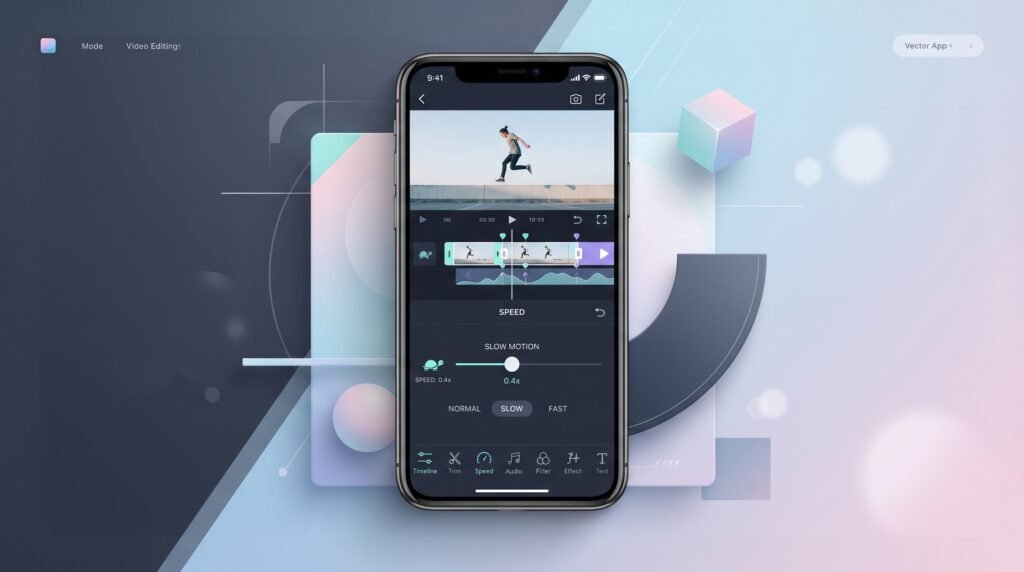
If the slowed-down footage doesn’t look as smooth as you expected, check the speed controls and frame interpolation options available in your version of CapCut. Features like “Optical Flow” can generate additional frames between existing ones, improving the appearance of certain slow-motion clips.
Keep in mind that frame interpolation works best with the right kind of footage. It cannot fully fix videos with excessive shakiness, motion blur, or footage that lacks sufficient usable visual information.
Try a Different Editing Style
If you want to experiment with a softer aesthetic typical of travel and lifestyle videos try the Healing Thailand CapCut Template. Its calm visual style pairs beautifully with landscapes, travel moments, nature clips, and relaxed social media content.
Creative Video Ideas to Elevate Your Slow-Mo Templates
Not every video clip looks better in slow motion. The strongest results usually come from footage that already contains clear movement, a reveal or a moment worth highlighting. A person turning around, water splashing, fabric moving in the wind or a scenic view being revealed can all give a Slow Motion CapCut Template something interesting to work with.
You also don’t need a professional camera to experiment with these effects. A modern smartphone, decent lighting and steady shooting can be enough for social media content. The important part is choosing movement that still looks interesting when the pace changes.
👗 Create an Outfit Transition
Outfit transitions pair perfectly with speed editing and slow motion. You can film yourself covering the camera with a jacket, tossing a garment toward the lens, or stepping out of the frame before revealing the final look.
Changing the speed can highlight the exact moment of the transition and make the movement feel more synchronized with the music. This approach works especially well for fashion videos, lifestyle content, and Instagram Reels.
✈️ Try a Travel Reveal
Travel footage offers plenty of opportunities for creative slow-motion use. Start with a close-up of waves, footprints, a cup of coffee, flowers, or another small detail; then, slowly pan the camera to reveal a beach, mountain, monument, or city skyline.
A gradual reveal keeps the viewer engaged. When the wider scene appears at just the right moment in the edit, the slow-motion effect can add an extra layer of emotion to the scene.
⚡ Capture Fast Action
Rapid movements allow for some of the most striking speed edits. Try recording sessions of skateboarding, cycling, dancing, exercising, sports, passing cars, jumps, splashing water, or even a simple hair flip.
You don’t need to slow down the entire clip. Often, highlighting a key movement is more effective than slowing down the whole video—especially if the action syncs with a beat drop or a template transition.
🌿 Embrace natural movement
Not every slow-motion video requires spectacular action. Think of leaves moving in the wind, waves crashing on the shore, clothes fluttering in the breeze, clouds drifting over a landscape, or someone walking.
These clips work especially well with cinematic and aesthetic-style templates. Look for natural movement and avoid forcing an effect on footage that lacks sufficient visual activity.
🎥 Think About the Shot Before Recording
A little planning can save you the trouble of trying to fix poor-quality footage later. Before recording, decide which movement you want to highlight and leave enough space around the subject to allow for cropping and transitions.
Try several versions of the same shot from different angles. Good source material offers more possibilities for the template, making it easier to create a fluid and visually cohesive final edit.
Conclusion
CapCut’s slow-motion template has made it incredibly easy for creators to experiment with cinematic speed effects without having to manually craft every part of the edit. Ready-to-use templates offer preset speed changes, transitions, music synchronization, and visual effects, providing a useful starting point even for those new to video editing.
The biggest advantage is the time saved during the editing process. Instead of spending hours creating speed curves from scratch, you can focus on capturing better footage, choosing the right moments, and shaping the video around the selected music.
From dynamic, fast-paced montages to slower, cinematic videos, there are template styles for every type of content. The right combination of footage, pacing, and template can make a simple clip much more engaging.
For the best results, choose footage with clear movement, good lighting, and enough detail for slow-motion effects. Once the edit is complete, review the full video, make any necessary adjustments, and export it in a format suitable for platforms like TikTok, Instagram Reels, or YouTube Shorts.